Overview
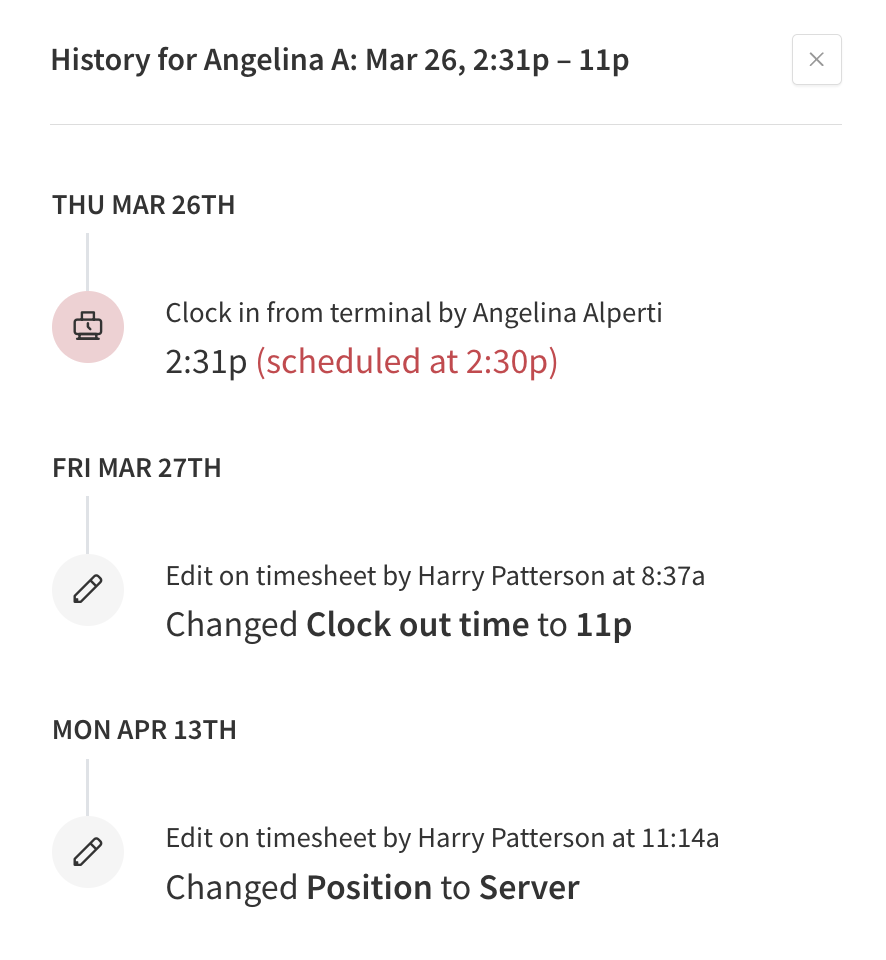
View the history of a particular timesheet entry to see when the entry was created, how it was created, any edits made to the entry, and who made the changes. You can also view the map where users clocked in and clocked out when location restrictions are enabled.
View the history when you have multiple users reviewing and editing timesheets and need to track changes.
View timesheet edit history
Hover over Attendance, then select Timesheets.
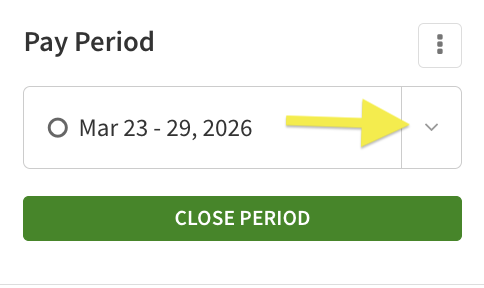
- In the Pay Periods list, select the pay period that you want to view.
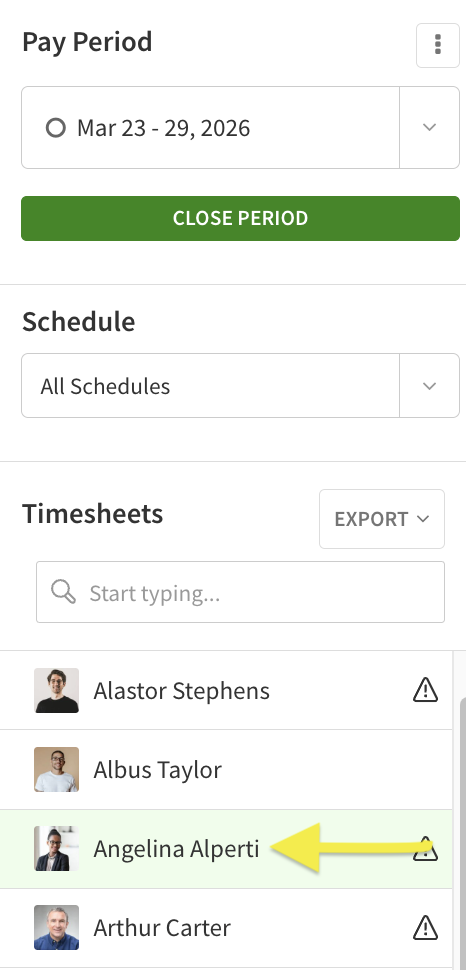
- Click the user’s name under Timesheets on the left. The user’s timesheet appears.
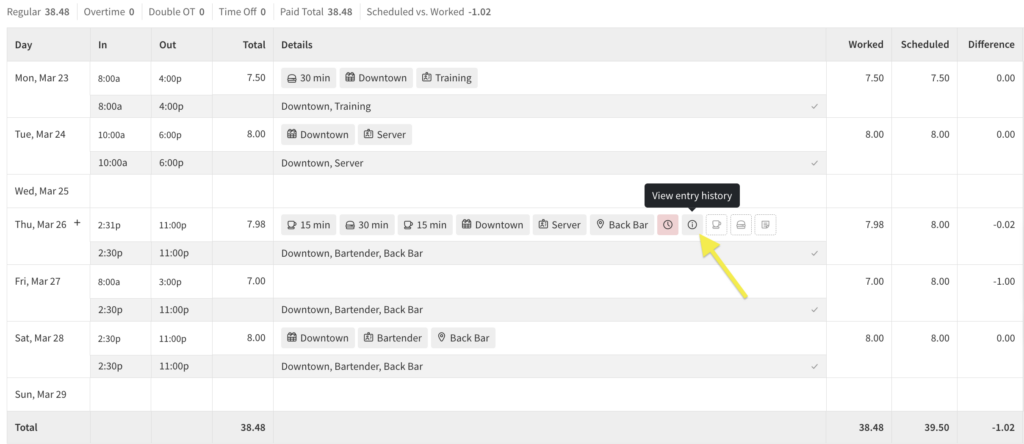
- Hover over the Details column, then click the i icon.
 The history for the time entry appears.